What's changed?
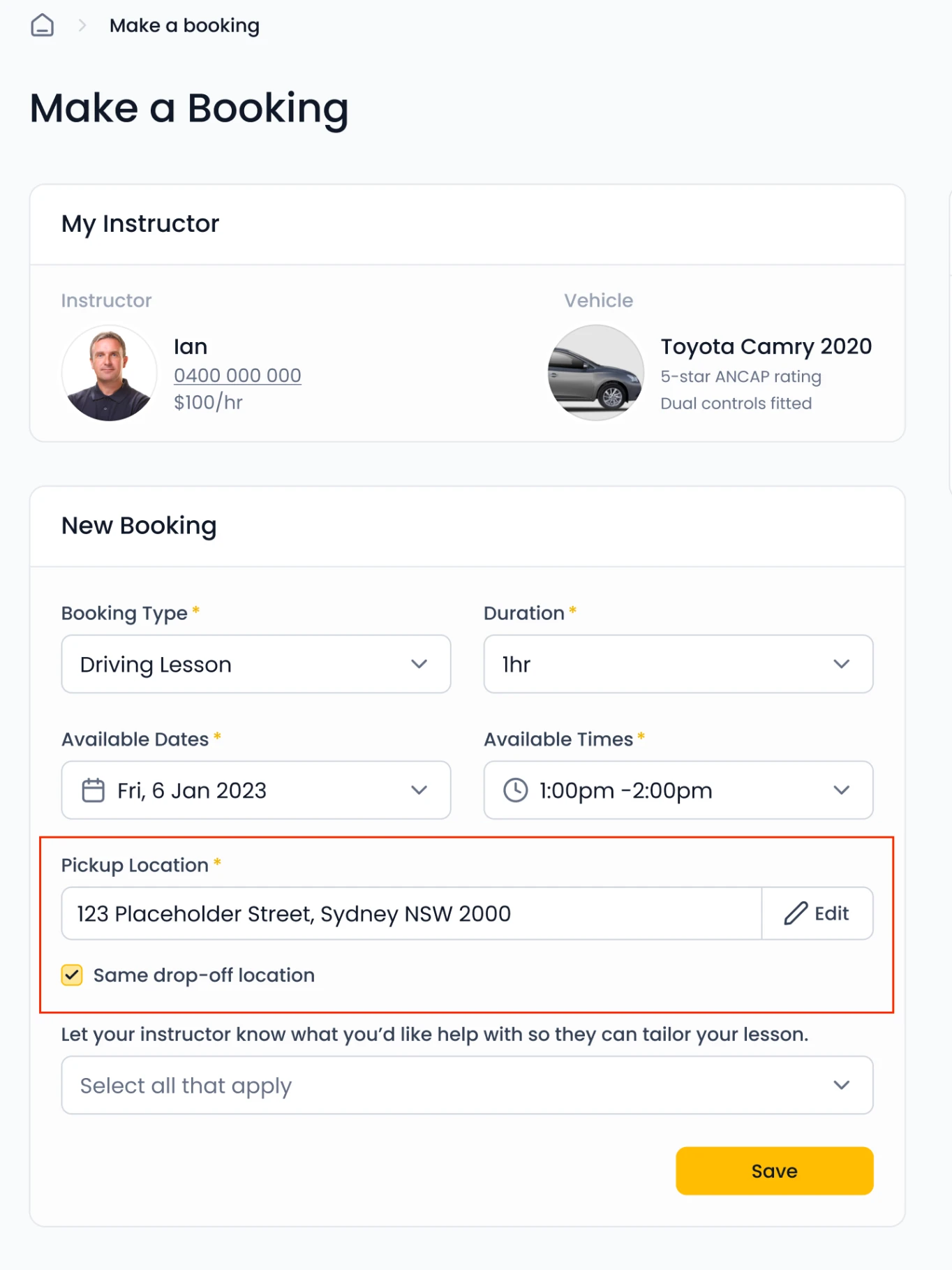
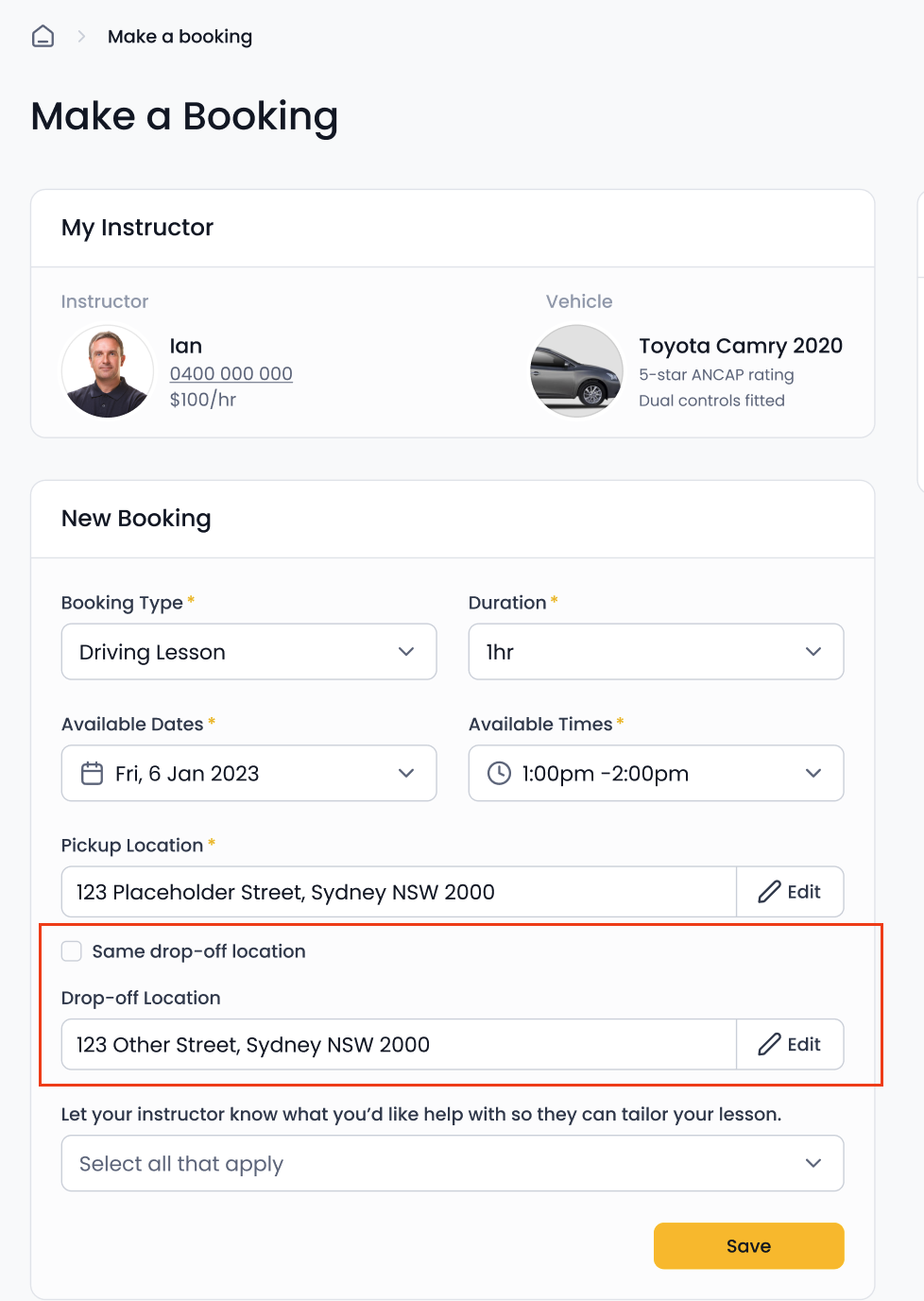
Learners can now set a different drop-off location when booking a lesson. Previously, pickup and drop-off were always the same place.
Where do I see it?
The drop-off address shows on the booking details — you'll know before the lesson where it starts and
where it ends.
Does every booking have one?
No — it's optional. If the learner doesn't choose one, the lesson works exactly as today (drop-off = pickup).
Can the drop-off be anywhere?
No — the drop-off must be within your service areas. A learner can't select a location in a service area you don't serve.
What if the drop-off doesn't work for me?
Same process as any other booking detail today: you can edit the booking and send the update back to the learner for approval, or ask the learner to change the booking details.
Does this change my pricing or travel time?
No change to pricing. Just plan your following lesson knowing the end location may differ from the pickup.
Does it apply to my existing bookings?
New bookings only from release day, or can learners add a drop-off to an already-made booking?
Something not working?
Contact the team via the usual support channel and we'll take a look.